Context-switching tax
You jump between editor, terminal, browser tabs, model UIs, and config files just to get one task done. Half your day disappears into the gaps between tools.
ProWorkbench is the controlled AI workspace developers run on their own machine. Bring your own OpenAI-compatible backend, manage your MCP servers, and approve every tool call before it executes. Not SaaS. Not autopilot. You stay in control of every action.
Instant download after purchase · One-time license · 30-day guarantee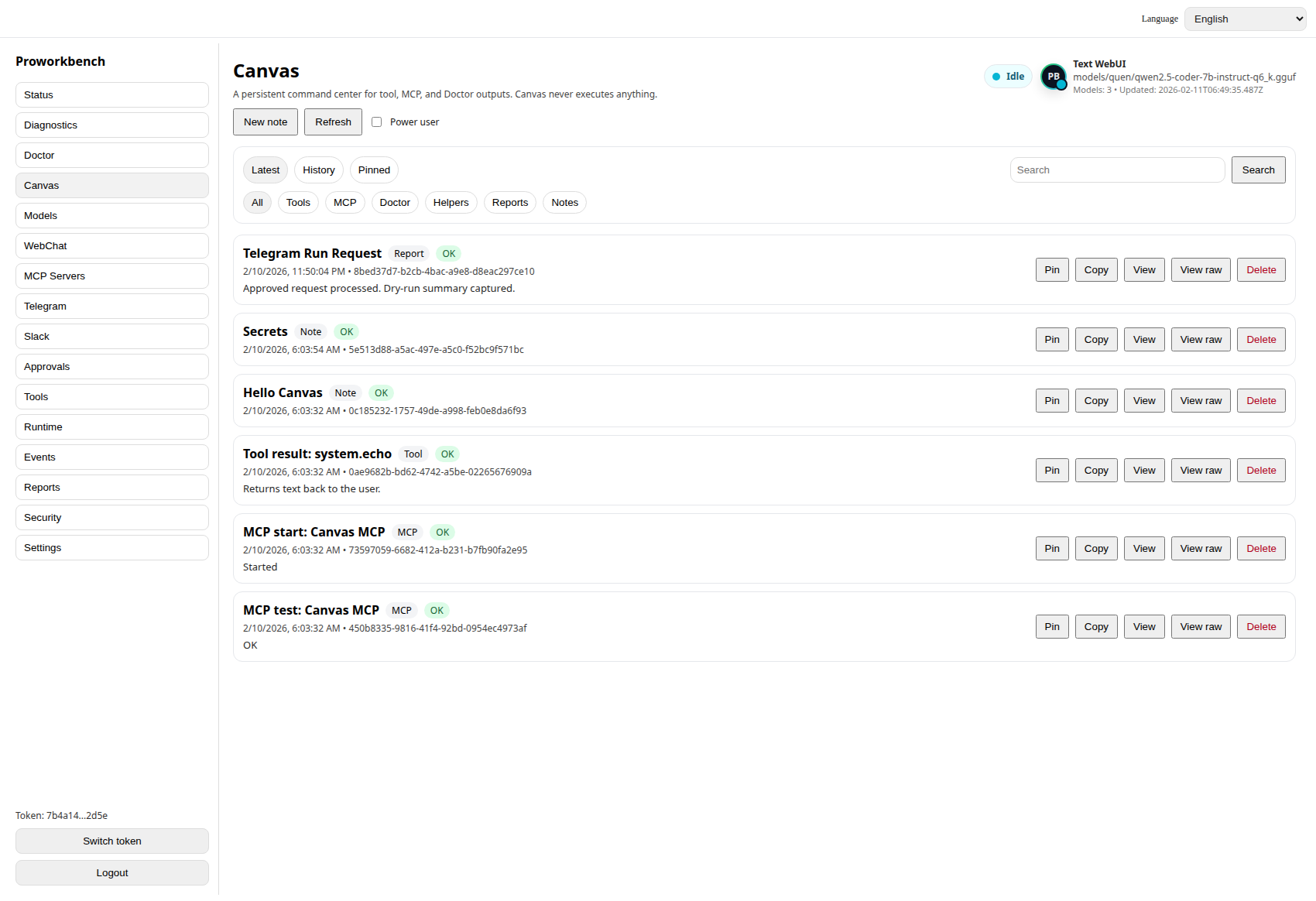
You jump between editor, terminal, browser tabs, model UIs, and config files just to get one task done. Half your day disappears into the gaps between tools.
Local model runners drift. Tool configs break between updates. Every "quick experiment" turns into a half-day of dependency archaeology.
Cloud agents quietly run tools you did not approve, hit endpoints you did not authorize, and burn tokens you did not budget. You cannot ship that into a real workflow.
MCP servers, scripts, snippets, vendor SDKs — all scattered. Nothing tells you what is installed, what is allowed, or what just executed.
Every tool call surfaces an approval prompt before it runs. Approve once, approve always, or deny. You decide what executes and what does not.
See every tool the workbench has loaded, where it came from, and what permissions it has. Disable anything you do not trust without editing config files.
Add, configure, enable, and disable Model Context Protocol servers from one place. No more hand-editing JSON in three different locations.
Run a single command to verify your environment, backend connection, and tool health. Catch broken setups before they waste an afternoon.
Conversations, tool calls, approvals, and history live in a local SQLite database. Inspectable, exportable, and yours.
Built around explicit approvals because real workflows do not survive on hidden execution. — Design principle · ProWorkbench
Local-first because your prompts, your tool history, and your code context should never leave your machine without you saying so. — Design principle · ProWorkbench
Bring your own backend because the model market moves too fast to be locked into one vendor's API. — Design principle · ProWorkbench
Yes. ProWorkbench installs on your machine, stores data in a local SQLite database, and only talks to whatever AI backend you point it at. There is no hosted dashboard and no server-side account.
No. ProWorkbench is the workbench, not the model. You bring your own OpenAI-compatible backend — that includes OpenAI itself, Anthropic via a proxy, Ollama, LM Studio, vLLM, llama.cpp servers, or any other endpoint that speaks the OpenAI chat completions API.
On your machine. Conversations, approvals, MCP configs, and tool history all live in a local SQLite file under your user directory. Nothing is synced to a ProWorkbench server because there is no ProWorkbench server.
You get an instant download link for your platform and a license key by email. Run the installer, paste the license, point it at your AI backend, and you are working. No account creation, no waiting list.
30-day money-back guarantee. If ProWorkbench does not fit how you actually work, email support and we refund. No interrogation.
The same ProWorkbench, packaged for Windows, macOS, or Linux. Pick the build that matches your OS on the platform page. License keys work on any platform you own.
Native build for your OS, instant download after purchase, license key by email. Point it at your AI backend and you are working in minutes.